
Browse docs
Shop setup
The core includes a Vinewood pet-shop interior, a configured pet_shop interaction and a linked pet_supplies shop. The shop NPC lets players choose pets or supplies. The supplies counter uses the linked pet shop's proximity and preview placement.
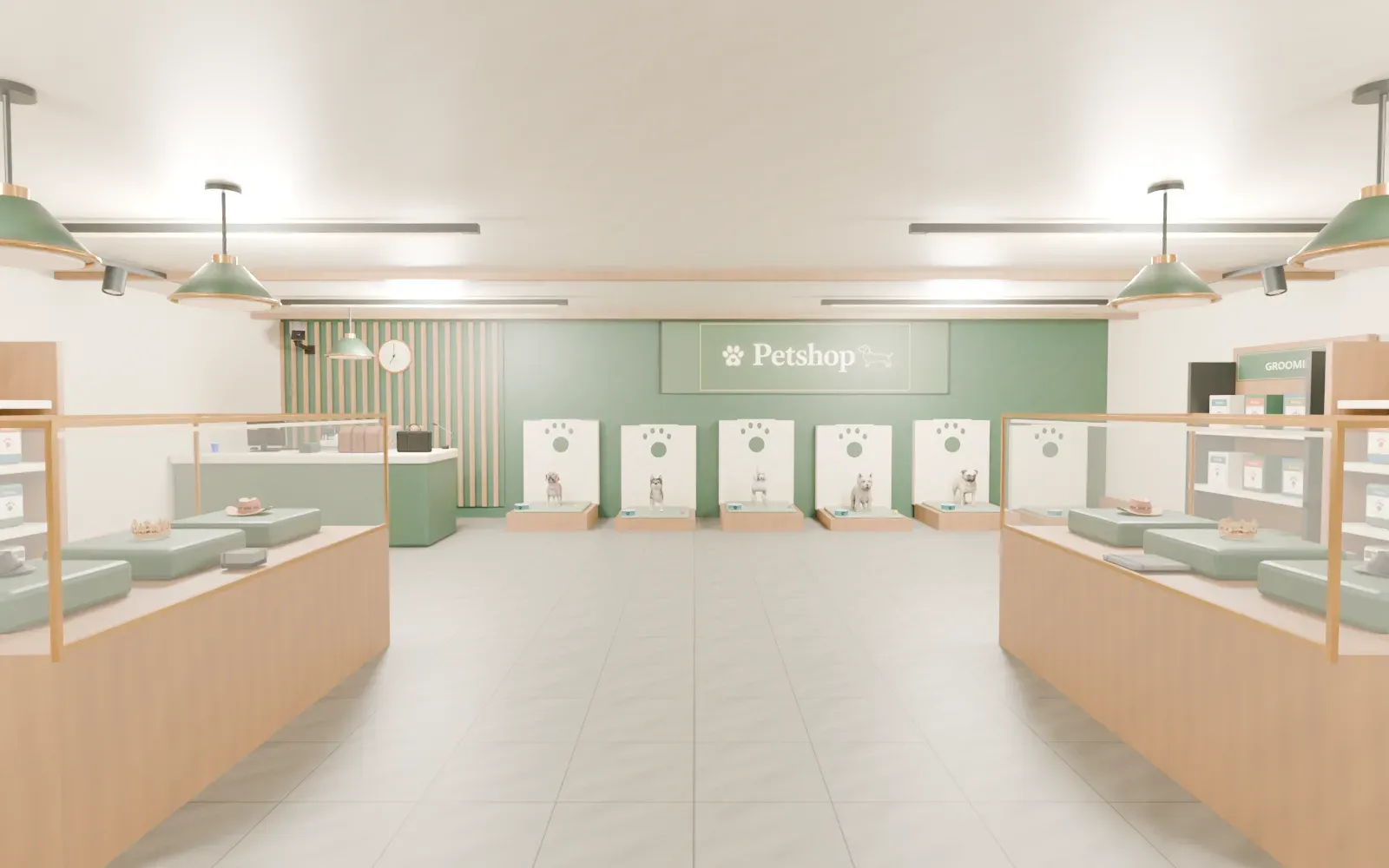
These positions are shipped in source/shared/default_config.lua and set explicitly in config/config.lua. All shop and preview points are inside the bundled MLO. The entrance is only a landmark; players walk to the cashier to open the menu.
| Point | Default | Purpose |
|---|---|---|
| Entrance | vector3(-172.99, 238.32, 92.27) | Street entrance, facing 355°; no menu opens here |
| Pet shop and supplies NPC | vector3(-169.0462, 226.0295, 92.27) | Cashier interaction for both menus, 2.5 m range |
| NPC heading | 355.0 | Seller faces the customer side of the counter |
| Dog preview | vector4(-173.7047, 230.1512, 92.27, 355.0) | Preview position in the clear aisle |
| Camera | vector3(-173.4606, 232.9405, 93.42) | Shop preview camera |
| Camera target | vector3(-173.7047, 230.1512, 92.67) | Point the camera tracks |
| Field of view | 30.0 | Default preview framing |
The MLO is part of sky_pets/stream/Petshop/; no separate map resource is required. The image above is an asset preview, so check placement and rendering in FiveM.
Create or edit a shop
Open /petsconfig, go to Shops & locations, and edit the shop row. Each pet shop has an ID, interaction coordinates and range, optional NPC data, a dog preview position, camera position, camera target, FOV and a list of breed IDs. Capture positions in the world, save, then reopen the shop to test the camera against the actual interior. Shop edits rebuild interaction points.
For file-based configuration, use per-field assignments in config/config.lua:
Config.Shops.pet_shop.coords = vector3(-169.0462, 226.0295, 92.27)
Config.Shops.pet_shop.distance = 2.5
Config.Shops.pet_shop.interactionPed.heading = 355.0
Config.Shops.pet_shop.dog = vector4(-173.7047, 230.1512, 92.27, 355.0)
Config.Shops.pet_shop.camera = vector3(-173.4606, 232.9405, 93.42)
Config.Shops.pet_shop.target = vector3(-173.7047, 230.1512, 92.67)
Config.Shops.pet_shop.fov = 30.0
Config.Shops.pet_shop.breeds = {
    "rottweiler", "retriever", "husky", "shepherd",
    "pug", "poodle", "westy",
}
The example uses the shipped core breed IDs. pet_supplies shares the cashier point in the shipped defaults. Existing /petsconfig SQL settings can override these Lua positions for both pet_shop and pet_supplies. Update both entries in Shops & locations, or restart and run /petsconfig import to replace saved managed settings with the Lua configuration. The import affects other managed settings too, so review them before importing. Add-ons have their own breed registration and are not covered here.
Purchase and preview behavior
- The preview supports configured coats and collars, camera rotation and zoom. A breed whose model or sitting animation fails to load cannot complete a valid preview.
Config.ShopPuppiesOnly = truemaps adult shop entries to puppies; set it tofalseto offer the ages explicitly listed in the shop.- Prices come from server configuration.
Config.BreedSettings.<id>can override a core breed's price and enabled state. The server validates breed, coat, collar, name, gender, proximity and configured price before chargingConfig.Account. - Names default to 2–24 characters. The server stores ownership and receipt data; a failed database write does not create a pet.
- Supplies and clothing prices are configured separately in Supplies and ClothingPrices. The inventory must contain matching item IDs.
The shop's suppliesShop link controls the in-menu supplies route. Use the OpenShop and OpenSuppliesShop exports when another client resource needs to open a configured shop directly.