
Browse docs
Migration
Source detection and run log
The Migration section detects the supported Jaksam setup and offers Start migration. Starting it writes data; this is not a field-by-field preview or a read-only confirmation button. The run log records confirmed operations, preserved entries, failures and remaining manual work.
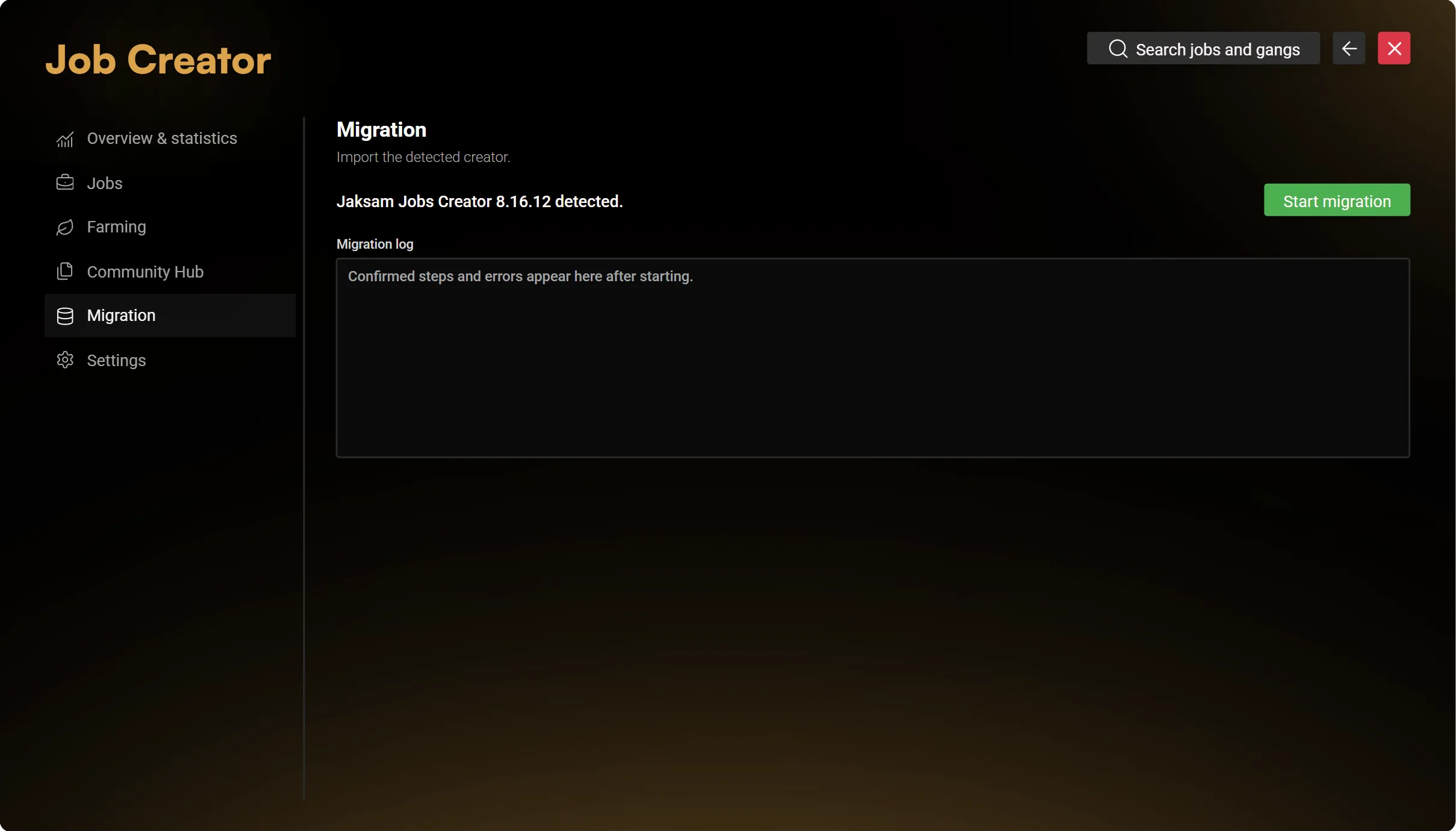
The implementation targets the supported Jaksam Jobs Creator schemas for 8.16.9 and 8.16.12 on ESX, QBCore and Qbox. It is not a general importer for every job script or customised schema.
Before starting
- Back up the complete database, source resource, framework and Sky configuration.
- Stop the source Jobs Creator resource. Do not run two job owners against the same setup.
- Verify the detected source version, native jobs and their real numeric grade levels.
- Resolve ownership collisions and ensure the required society accounts are already persisted and loaded. The migration does not create missing accounts.
- Start the supported migration, then read the log before making further changes.
Existing grade numbers, including gaps, are preserved. Do not renumber a live job merely to make its grades look consecutive.
Check the result
Verify job definitions, grades, memberships, salaries and leadership permissions through their normal owners. Check every imported location and action. The run log identifies unmapped settings and assets that need manual configuration; account balances, stashes, stored vehicles, weapons and outfits are not a blanket automatic transfer.
If a run reports an incomplete or uncertain result, inspect its saved state and use the existing recovery workflow. Do not repeat a creation or delete an existing account to clear an error. An administrative backup is not a verified full rollback.
Retire the old setup only after testing the employee workflows you need on a backed-up staging server.