Browse docs
Job configuration
Create and edit a job
Open /jobcreator > Jobs > Create job. Enter a display label and a technical name. The creation preview shows the planned framework, storage, account and Jobs Base operations before confirmation.
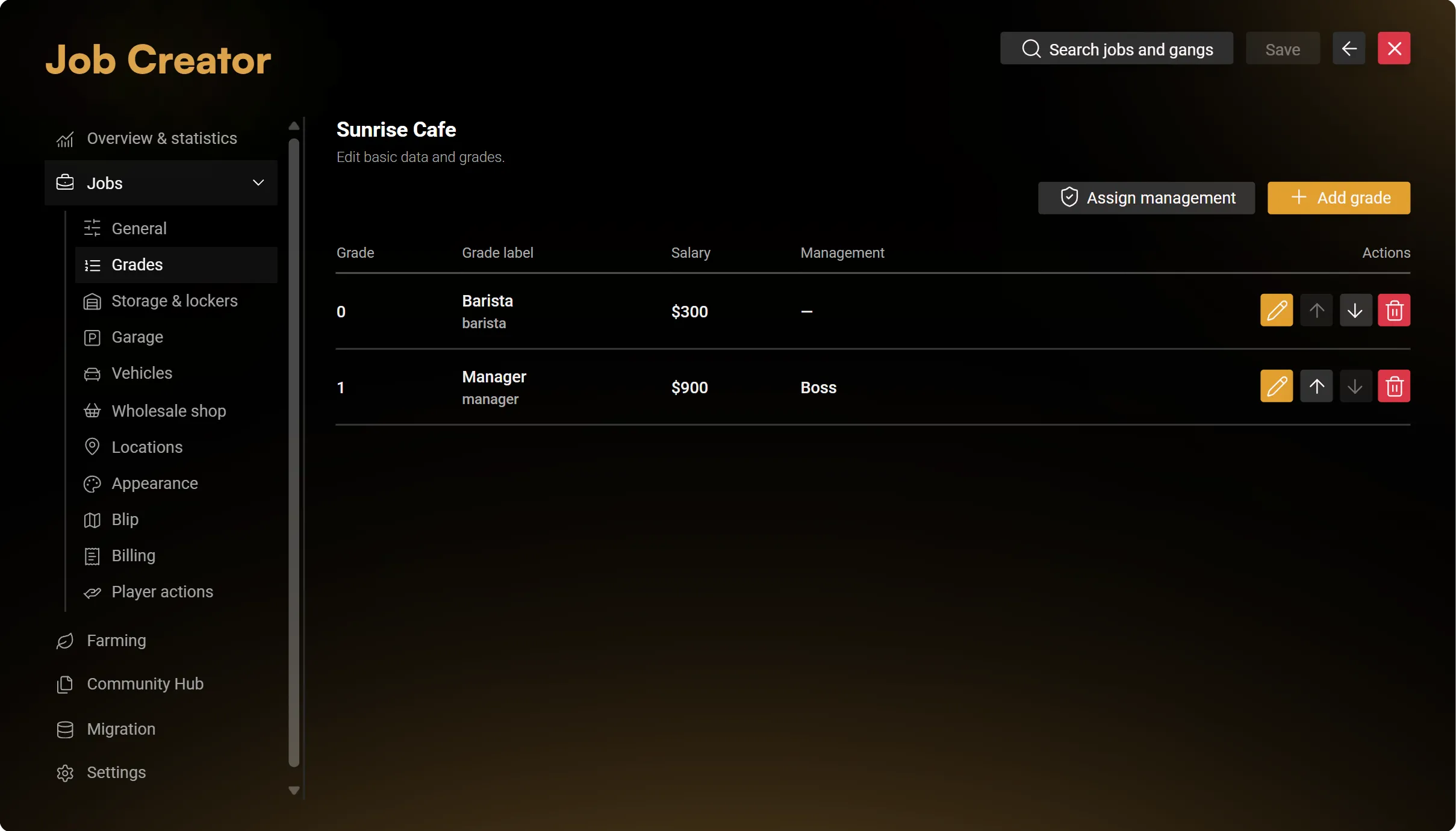
New jobs receive the two configured starting ranks. Manage their structure and salaries under Grades after creation. Use the actual numeric grade levels shown by the editor; an existing job's ranks may contain gaps.
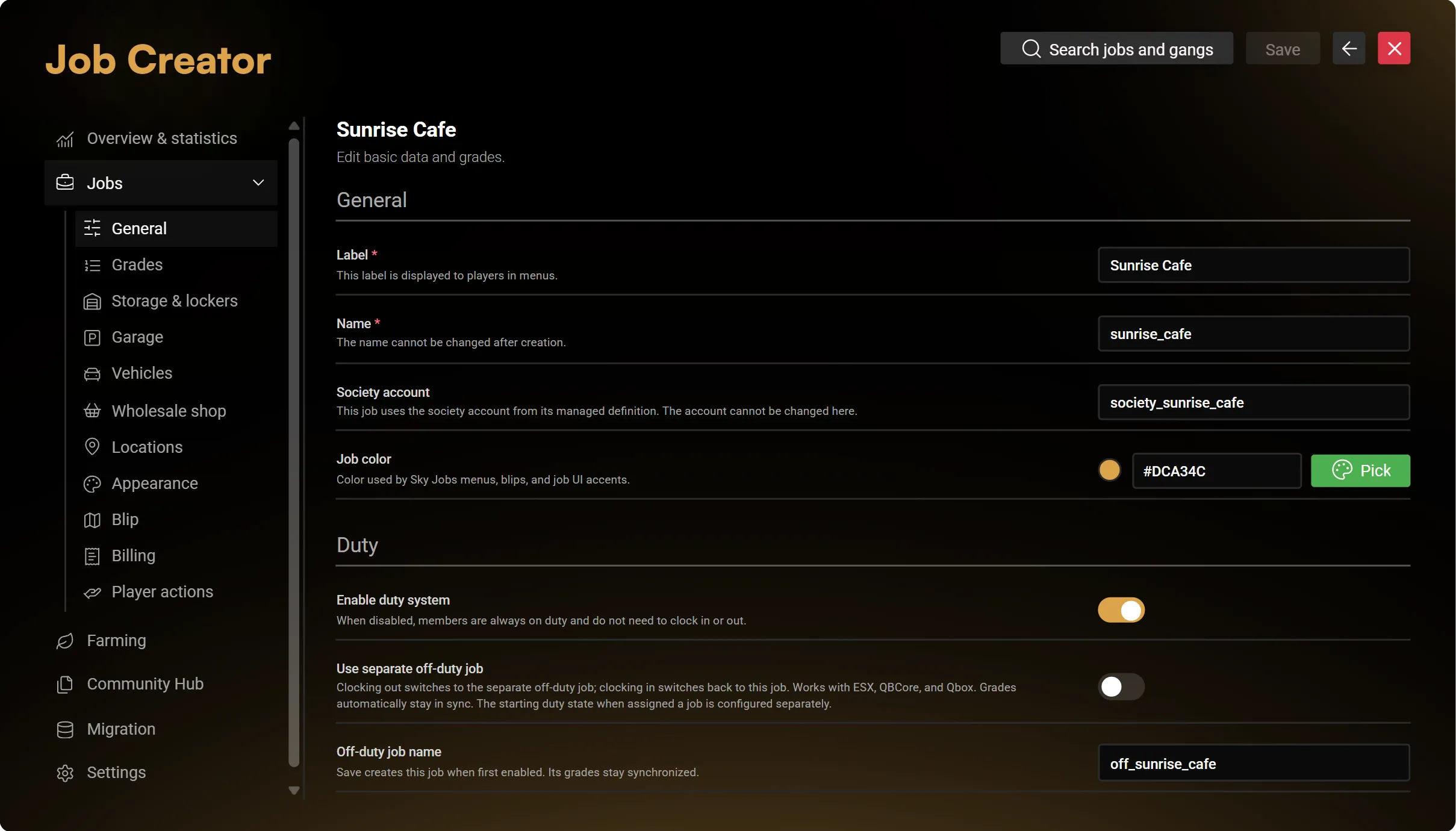
Settings controls creation defaults. Config.CreatorDefaults in the plaintext configuration supplies the explicit import defaults; saved configurator values remain authoritative. Changing a file does not silently replace saved settings. Use /jobconfigimport sky_jobscreator deliberately when importing file defaults, after reviewing the relevant configuration mode.
Sidebar sections
Select a job to reveal its available subcategories. The categories depend on the registered job owner and its supported configuration.
| Section | What to check |
|---|---|
| General | Label, supported framework metadata, account reference, colour and duty settings |
| Grades | Rank names, supported leadership settings and salary values |
| Storage and lockers | Item storage and personal locker configuration |
| Garage and vehicles | Garage options, fleet entries and spawn/return locations |
| Locations | Workplace interactions placed in your chosen map |
| Appearance and blip | Marker/NPC/object presentation and map display |
| Billing | Available shared billing settings and invoice reasons/prices |
| Other registered sections | The owning resource's supported options and extensions |
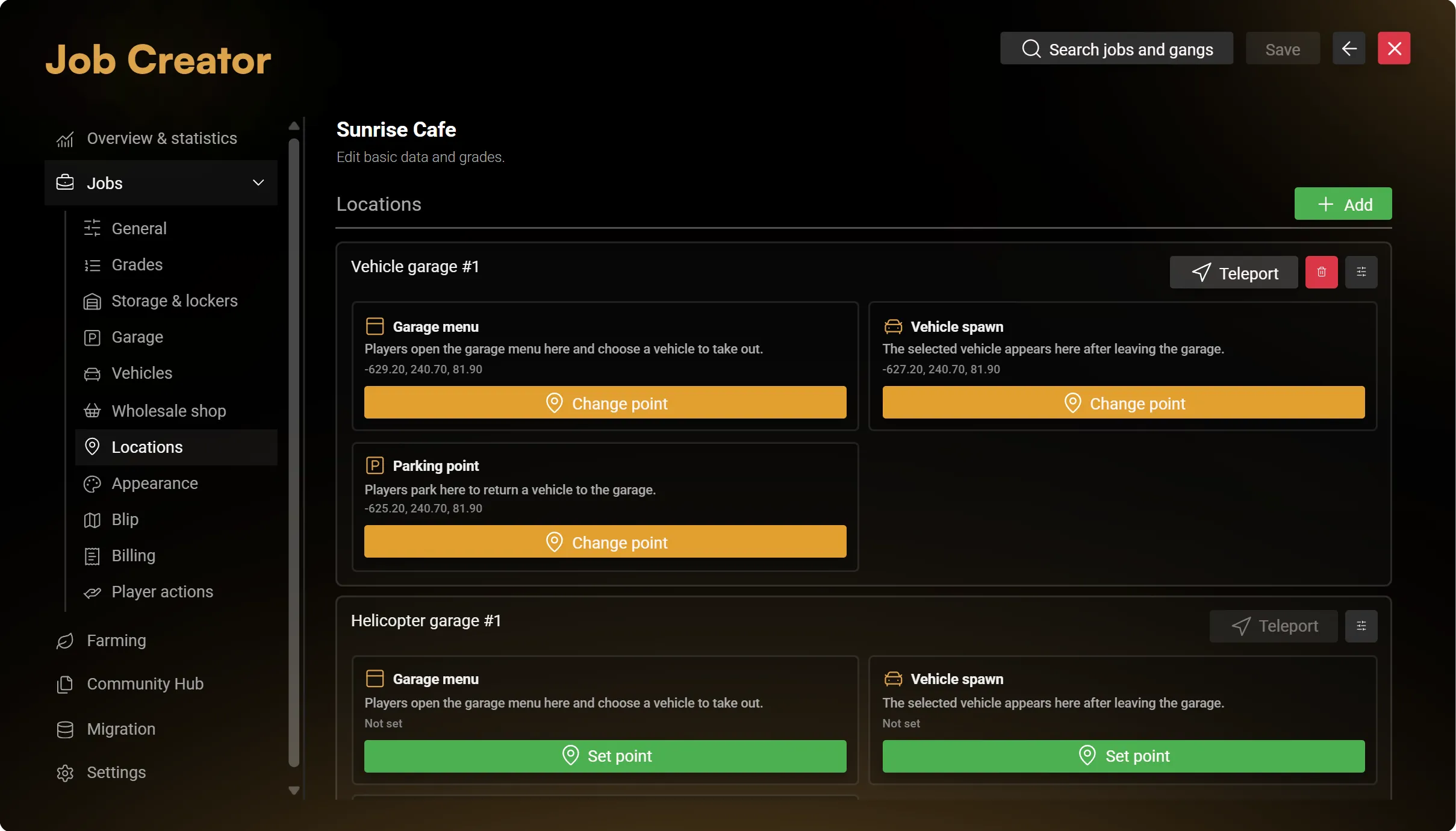
A specialised resource remains the owner of its specialised settings. Creator does not copy that resource's gameplay into a generic job.
Optional shared systems
Enable only the tools the job needs. Availability still depends on global Jobs Base switches, grade permissions, duty, distance and the selected providers.
- Payroll: Jobs Base owns managed-job payroll. Choose salary amounts, intervals and the payment source; society-funded payouts require a working account and sufficient funds.
- Billing: configure the shared invoice workflow. Payment plans and automatic collection follow the server's Billing configuration.
- Business announcements and ringbell requests: configure access, workplace points and the available presentation/settings.
- Online ordering: optional. A job can operate without the online shop; configure its available catalog and delivery settings only if used.
- Documents and printers: use the flat document list and job-owned templates. Authorised employees can manage templates through the tablet. Configure a printer and required items; collected copies retain their printed content independently of later digital edits.
Generic Creator jobs exclude training, dispatch, radio/FMS, dispatch-linked tracking, panic and cross-job document sharing. Gangs additionally exclude billing and printers.
Save, archive and recover
The header Save persists the current draft. Review an error or revision conflict before retrying; do not discard unrelated edits to resolve it.
Archive closes that job's operations while preserving definitions, memberships, accounts and history. Restore reactivates its saved setup. Permanent deletion has a separate confirmation and retains financial/history assets according to their owner; it is not a full business-data wipe.
Overview and statistics
Use Overview & statistics to filter memberships and recorded invoices by job and invoice period. Membership totals can include secondary jobs where supported. Invoice totals describe Sky invoices and their payment state, not society balances or complete company turnover.