
Browse docs
Farming
A global list
Farming is separate from Jobs. A public point does not need a job. Assign a local job only when the point should be restricted.
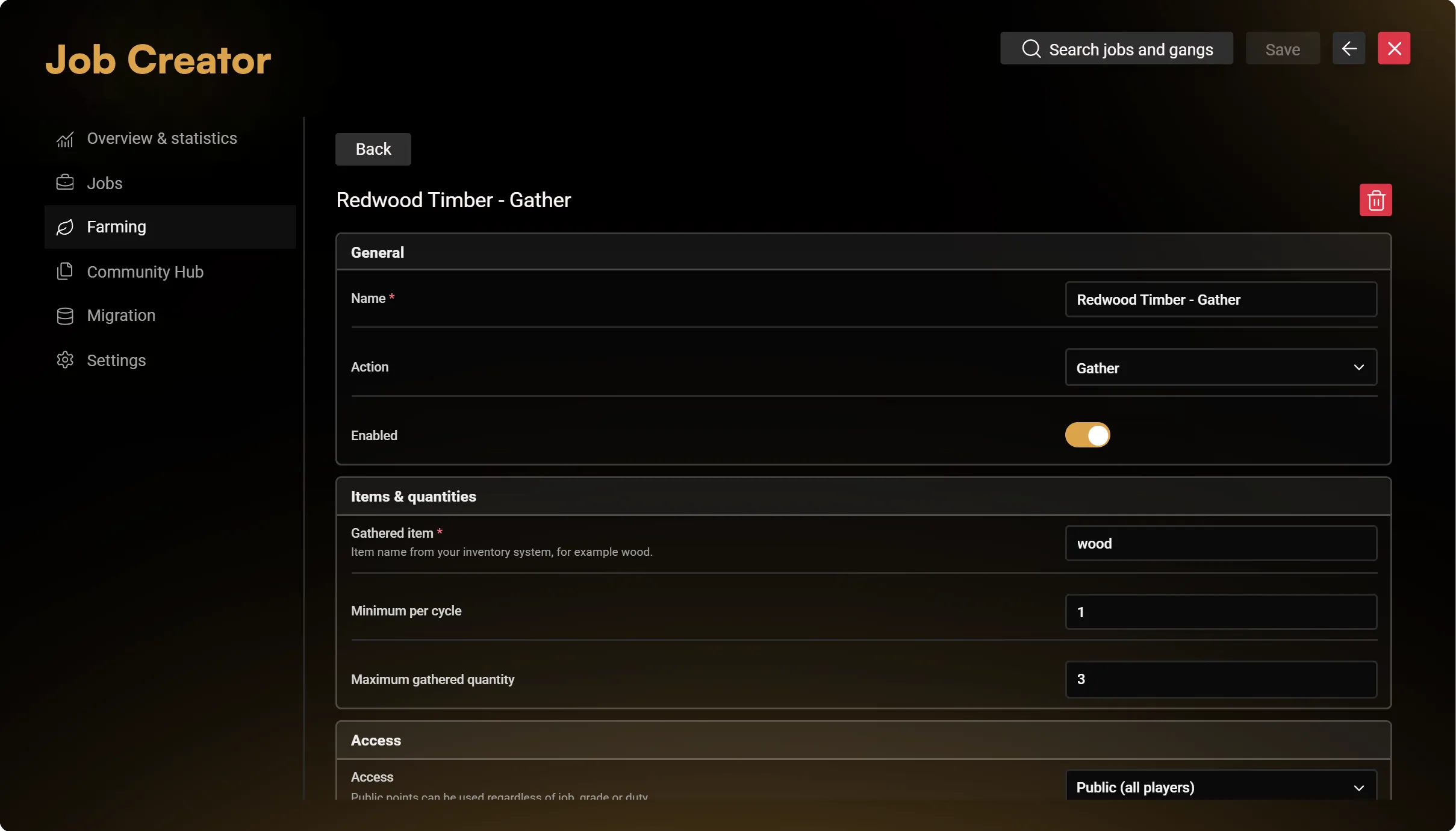
Create a point and choose its action:
| Action | Main settings |
|---|---|
| Gather | Reward item, amount range and the available chance/timing options |
| Process | Ingredients, output item and amounts |
| Sell | Item, amount, price and the available payment account |
Enter item names exactly as registered in your inventory. Sample wood or metal values in screenshots are demonstration data, not required item definitions.
Access and placement
Choose Public or Job restricted. For restricted points, assign a real local job and review grade and duty requirements. Public access is independent of a job's grade/duty.
Set the point's position before enabling it. Configure its marker, blip, NPC or object through Appearance, using the channels you need. Marker types have image previews; sizes and offsets use X/Y/Z controls, and colour and opacity share one picker.
Repetition
Choose whether an interaction performs one cycle or repeats automatically after the first press. Players can cancel an active action; continued work still depends on the configured requirements. Test cancellation, item quantities and sale values on your own inventory/banking setup.
Advanced options
The primary fields cover the action, items, access and location. Open Advanced for the available timing, animation, tool and other detailed options. Configure those for the selected action rather than treating every field as mandatory.
The same global Farming configuration is available in /jobconfig → Jobs Base → World interactions → Gather, process & sell. Both editors use the same saved settings.
Import safely
Hub and JSON transfer add disabled copies to the global draft. Review their local item names, job assignment and positions, then save. Existing points remain in the list.