
Browse docs
Community Hub
Browse before importing
Open Community Hub and choose Jobs or Farming. Open a template to inspect its description, screenshots, grades, locations and available configuration sections. The left sidebar separates the template's sections.
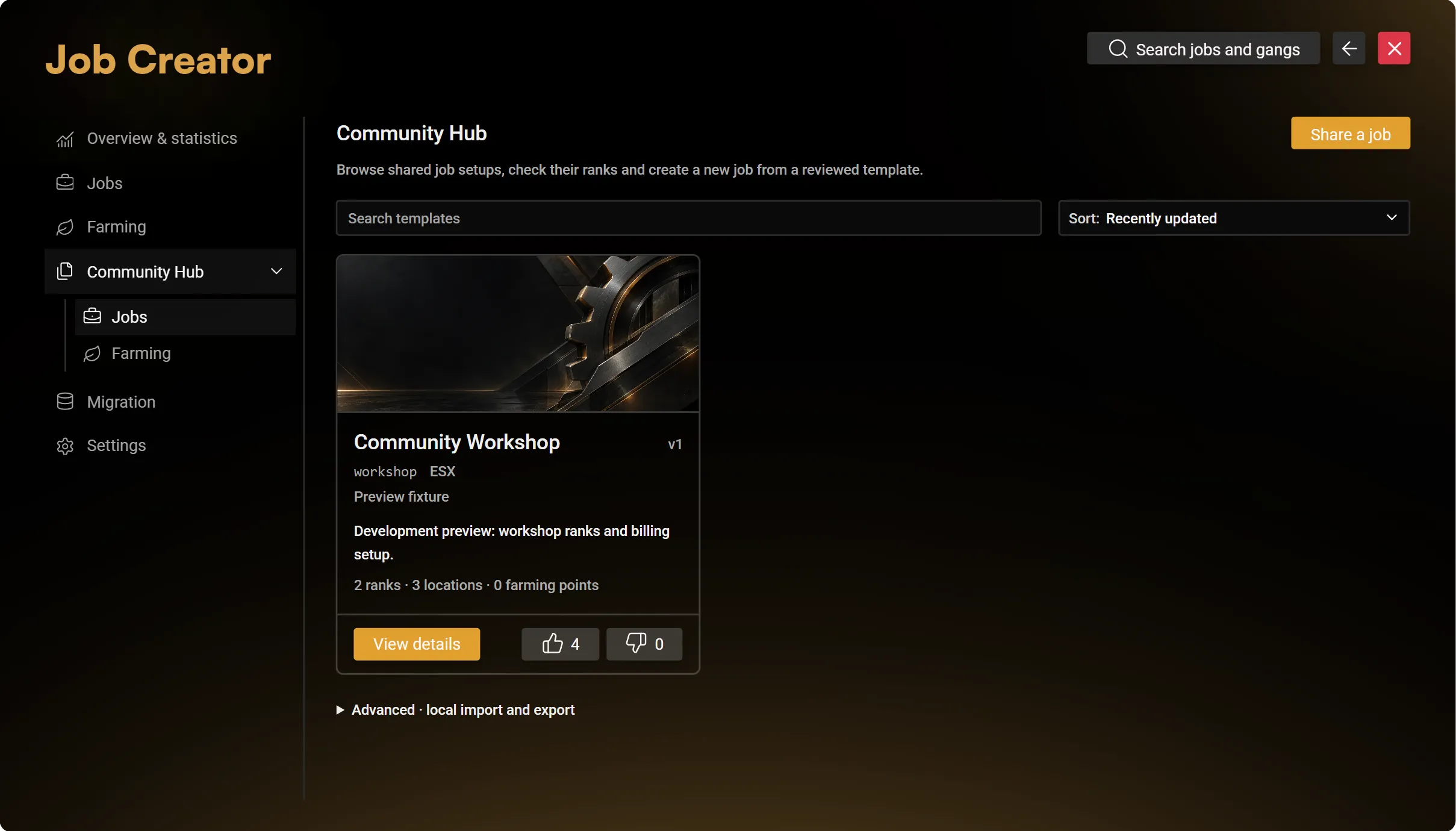
A template supplies configuration. It does not install its custom items, vehicles, props, scripts or map. Check these requirements on the destination server.
Share a saved configuration
Choose Share job or the Farming sharing action, select the saved source, add an author/description and supported images, then submit it for team review. Approved submissions become public in the Hub. An update is reviewed as a new version; the previous approved version stays available until the update is approved.
The export excludes character data, memberships, account balances, inventories, credentials and internal source IDs.
Import Farming
- Choose a Farming template and select Use template.
- If it contains job-restricted points, choose an existing local job for them. Public points stay public.
- Leave Include configured world points off to supply your own locations, or enable it to copy the exported positions and headings.
- Choose Open in Farming.
- Review the disabled copies in the global draft, including items, access and locations.
- Use the header Save. Enable points only after reviewing the result.
Each imported point receives a fresh ID. Existing points remain. With world points off, copied points have no usable position until you place them.
Import a job
Choose a new local technical name and review the creation plan, dependencies, rank levels and provider requirements. Job import uses the regular guarded job-creation flow. It does not transfer the source server's money, employees or inventory.
Local JSON transfer
Open Advanced · local import and export under the matching category.
- For export, select a saved job or the saved Farming points and enter the requested template label.
- For import, paste the JSON in the import box, validate it and review the local mapping/options beside that field.
- For Farming, open the validated configuration in the global draft and save it through the normal header action.
Never paste credentials or a database dump. An unknown mutation result is not proof of failure: inspect the saved result before repeating the operation.