Take the DecksMix the next track.
Load two decks, prepare transitions with headphones, adjust tempo and EQ, or let automix keep your assigned playlist moving.

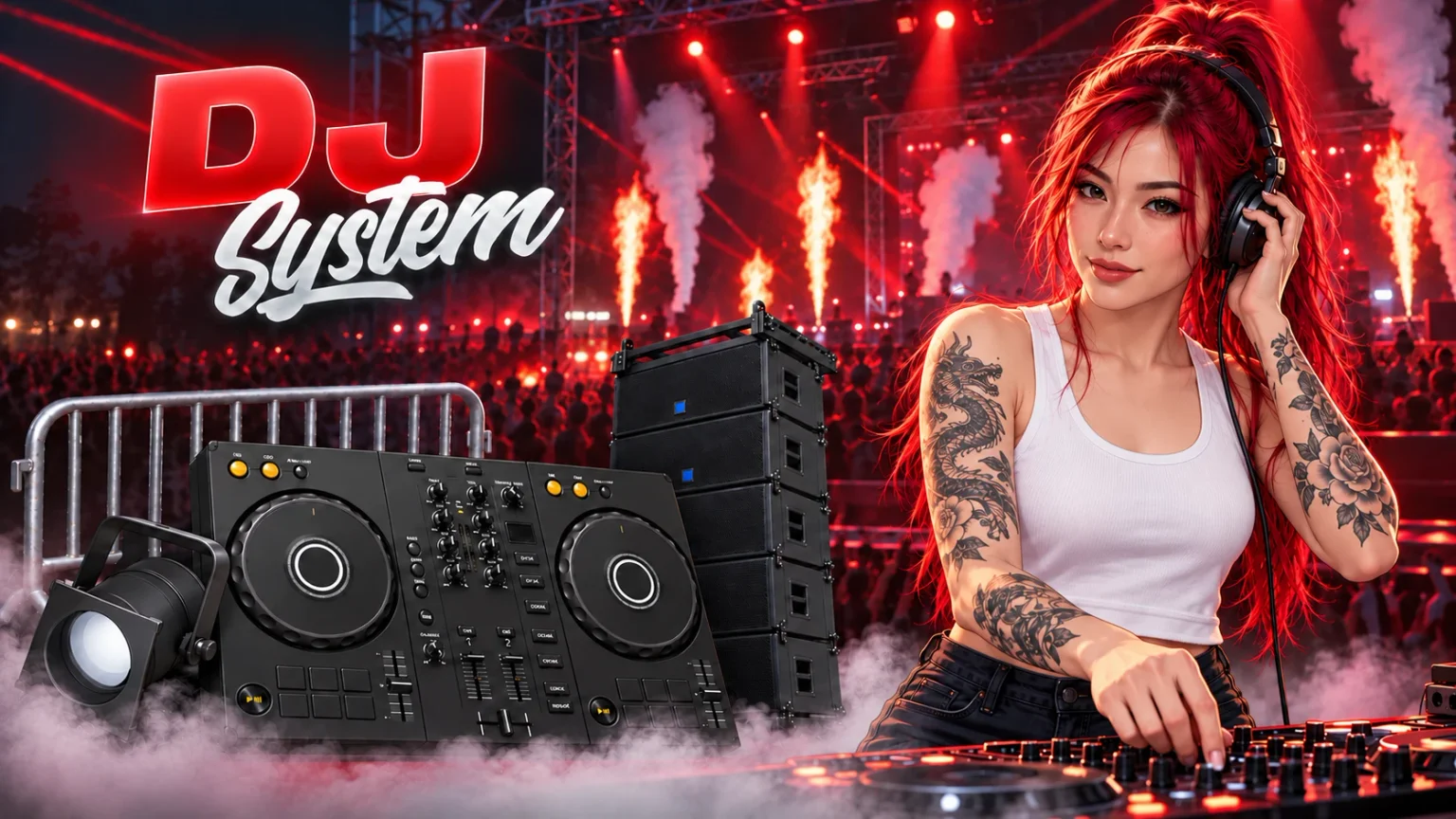
Load two decks, prepare transitions with headphones, adjust tempo and EQ, or let automix keep your assigned playlist moving.
Create clubs in game, place equipment with a gizmo and shape speaker coverage around your room. Set who can operate each venue.
Combine lighting and effects, choose manual presets or enable Music Sync. Custom clubs and the optional festival keep their own show controls.
Work from a photographed DJ controller with two decks and a shared music library. Prepare the next track while the current one plays, then take control of the transition.
Control tempo, EQ, deck levels and transitions from the mixer. Use loops to hold a passage while preparing your next move.
Preview a deck with PFL before bringing it into the audience mix.
Organize your local MP3 library into shared playlists, assign them to clubs and use automix when you want the playlist to keep running.
Uses the framework bridge configured in Sky Base.
Configure the required resources and a working Sky Base SQL provider before starting Sky DJ. Follow the installation guide for the supplied release.
Setup guideBring your own music. The optional festival is separate from custom clubs; no nightclub MLO or private owner-local equipment is included.
Select the integrations you use and follow their setup guides. Optional scripts are purchased or installed separately. For an integration that is not listed, contact our support team.


Subscribe to our newsletter for product announcements, news, exclusive discounts, and 10% off your first purchase.
Sign in with Cfx.re so your one-time discount can be securely assigned to your account.
By clicking Subscribe, you accept our privacy statement. Discount eligibility is verified through the signed-in Cfx.re account, and each code can be redeemed once. You can unsubscribe at any time.