
Browse docs
Shops & supplies
Open a job's Wholesale section. Its tabs keep the stock shop, online shop, supplier catalogue and collection points together.
Wholesale shop
Use this for supplies employees buy and receive immediately.
- Open the Wholesale shop tab and add an item.
- Enter the Item key exactly as registered in your inventory, such as
water. - Enter the Item label employees will see, the price and any minimum-grade requirement.
- Place the wholesale interaction under Locations and save.
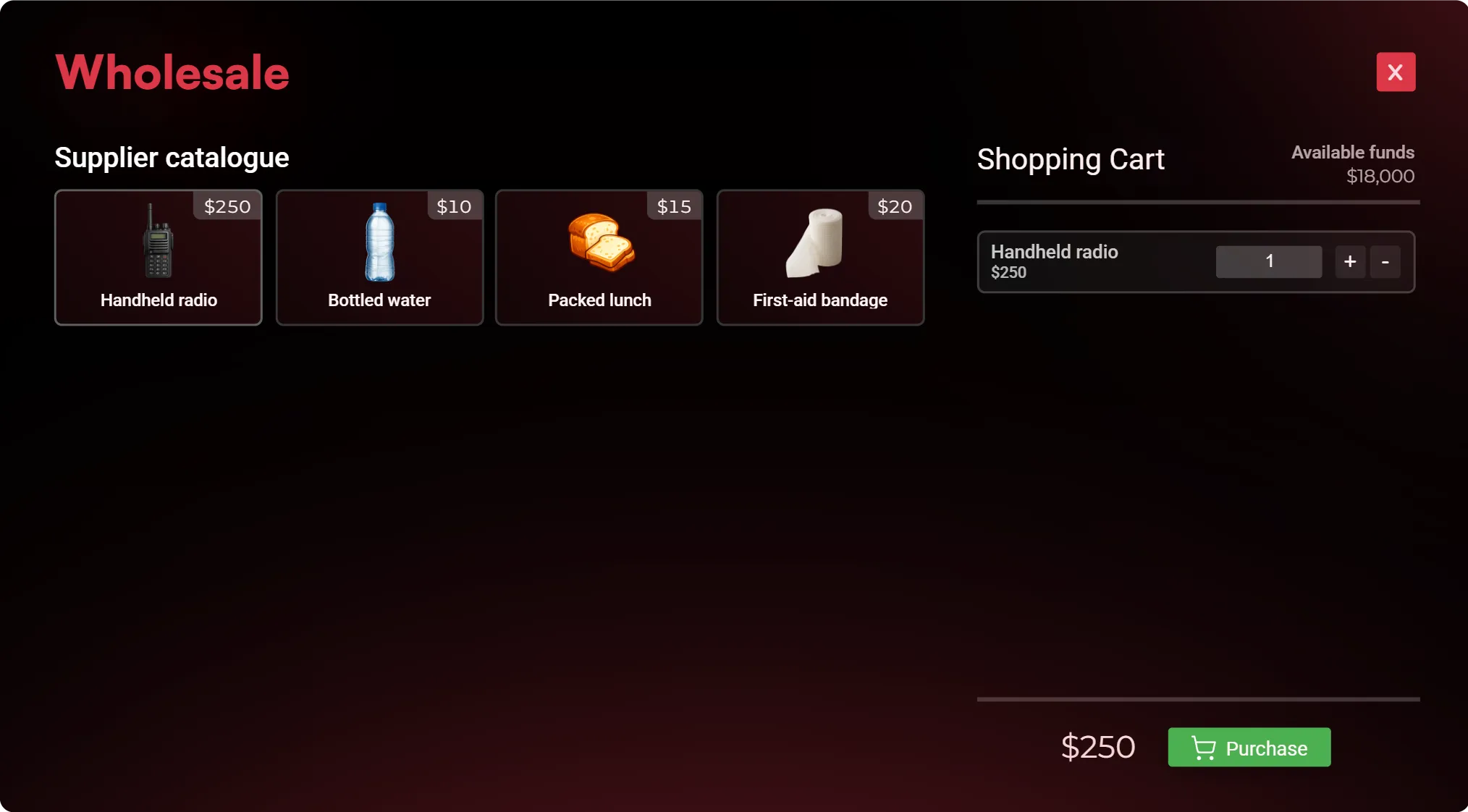
The shop does not register inventory items for you. Add custom items to your inventory before selling them.
Online shop
Online ordering lets employees order supplies through the tablet and collect them after a delivery delay. It is disabled by default for new generic jobs.
- Open the Online shop tab and enable it.
- Set the minimum grade and delivery time.
- Choose whether employees can pay from their personal bank account, the company account or both.
- Add the available items in Supplier catalogue.
- Add at least one Collection point, place it and save.
Employees can then order, track and collect supplies in the tablet. Company payments require a working company account and sufficient funds.
Supplier catalogue
| Field | What to enter |
|---|---|
| Item key | The item's registered inventory name, such as water |
| Item label | The name shown in the catalogue, such as Bottled water |
| Category | The catalogue group, such as Drinks |
| Unit price | The price for one item |
The supplier catalogue controls online orders. It is separate from the stock shop's immediate-purchase list.
Collection points
Give each point a clear label, set its position and save. Players use these locations to collect completed online orders.
Mechanic jobs
Mechanic jobs use the same shared shop settings for access, delivery time and payment options. Their specialised parts catalogue, pricing and physical delivery features remain in the Mechanic configuration.
If an ordering option is missing, check the job's saved settings and the server-wide shop settings before changing the catalogue.