
Browse docs
Locations & interactions
Place a workplace point
Select a job and open Locations. Add the interaction you need, use its placement action and save the job.
| Point | What to place |
|---|---|
| Storage or personal locker | The point employees use to open the inventory |
| Wardrobe | The point employees use to choose an outfit |
| Garage | Menu, vehicle spawn and parking/return points |
| Wholesale shop | The point employees use to buy supplies |
| Duty or management | The point employees use to clock in or open management |
| Public form | The point visitors use to submit an application or complaint |
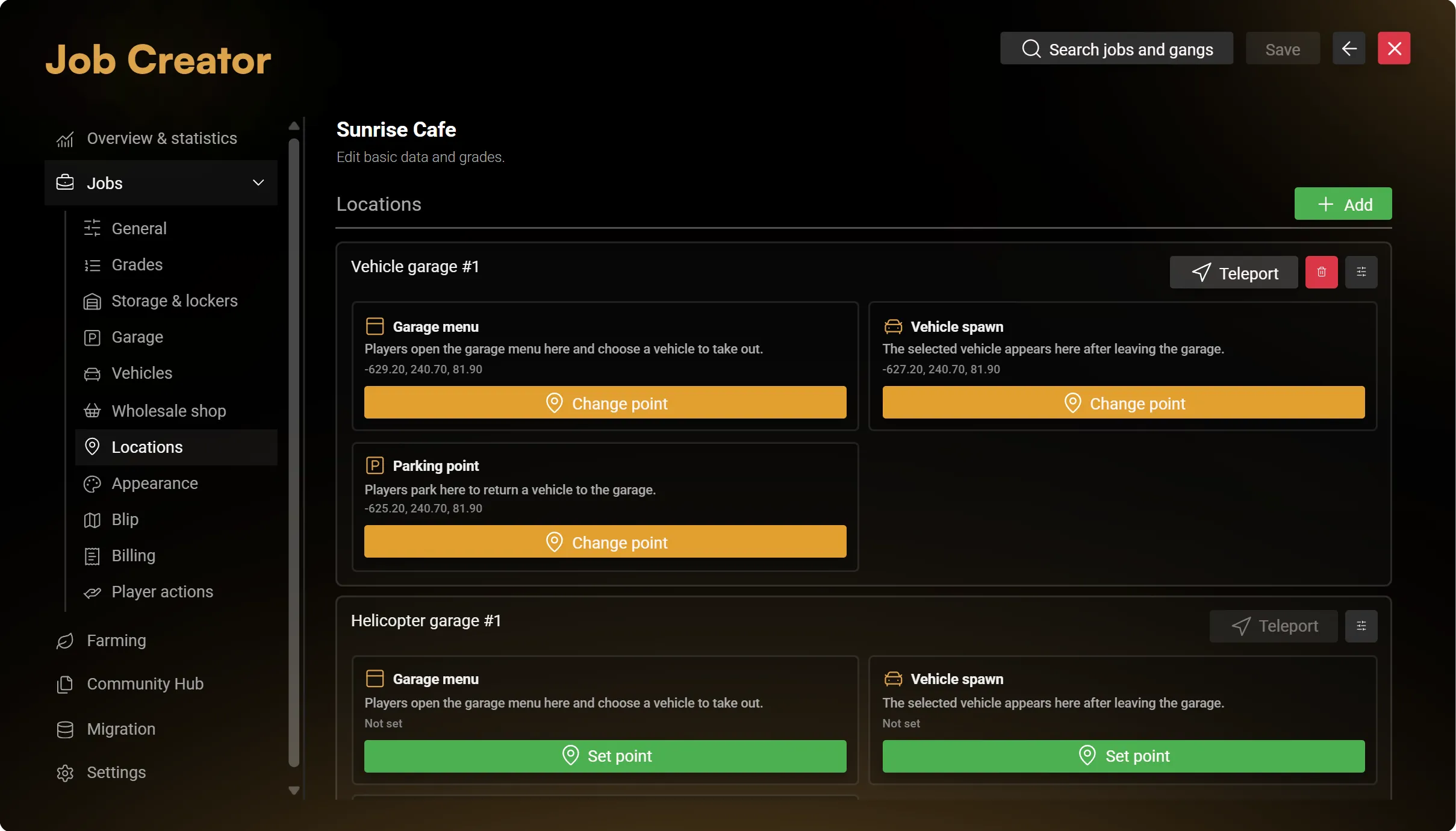
For a garage, leave enough room around the spawn position for the largest configured vehicle. Vehicle models, inventory items and clothing resources must already exist on the server.
Choose markers and blips
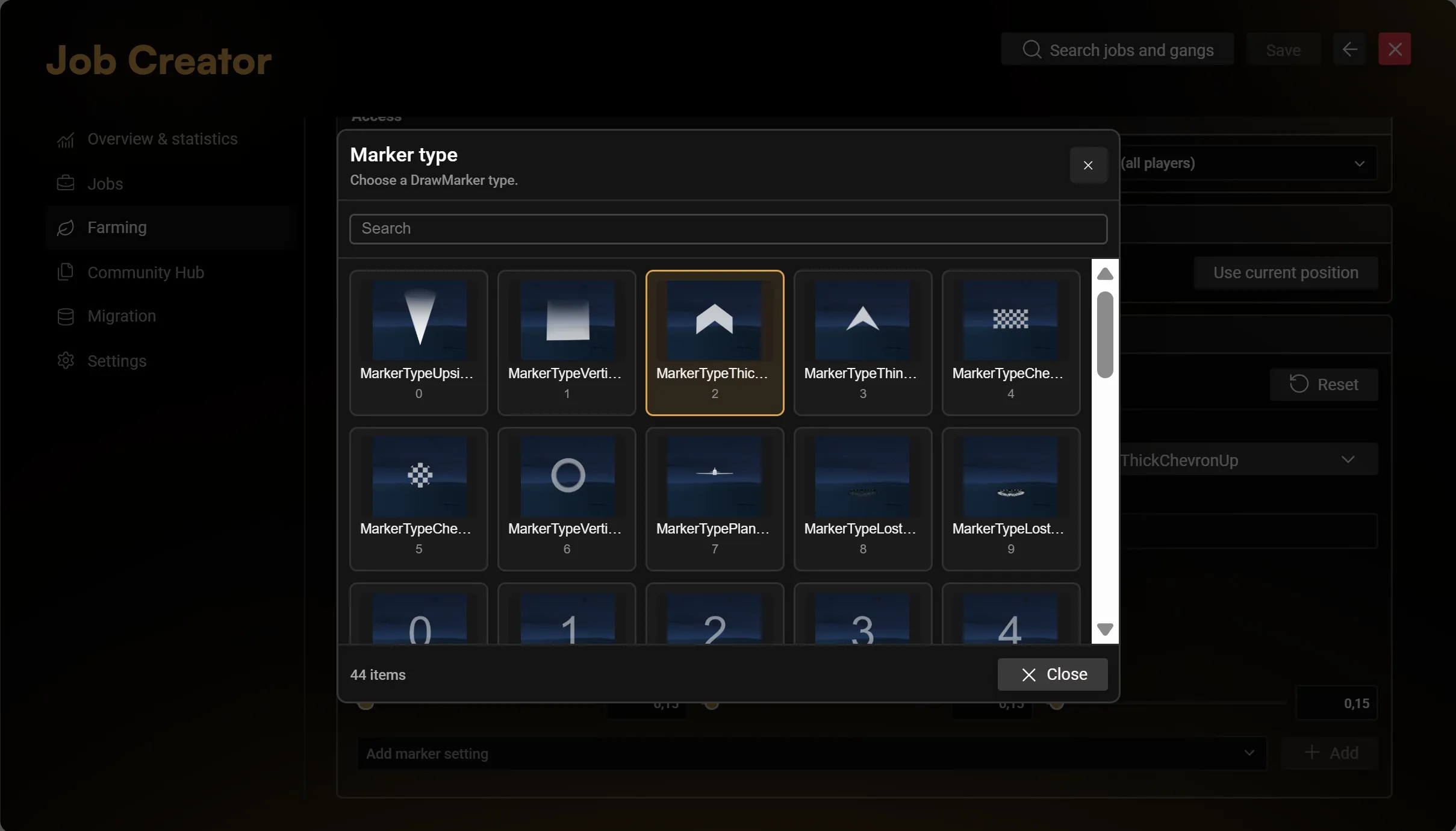
Open Interaction to configure the selected point's marker, NPC, object or blip. Enable only the types you want players to see.
Choose marker types and blip symbols from their image previews. The blip picker opens at your selected symbol; search or scroll to choose another. Configure colour and scale, then use the advanced options when you need a different display behaviour.
The separate Blip section controls the job's station icon. Use Show blip, enter its label and choose the symbol, colour and scale. This is separate from a blip attached to an individual interaction.
Add a reception bell
Add a bell in the job's ringbell settings, then:
- Choose and preview its prop and sound.
- Place it at the reception point.
- Set the volume, audio radius, interaction distance and cooldown.
- Choose who receives requests: nearby players, job employees or both. Enable the duty requirement if appropriate.
- Save the job.
Employees can accept a request to set a waypoint to the caller, or dismiss it for themselves. A bell without a position remains inactive.
If a point does not appear
Check that you saved its position, enabled the feature and assigned the character the correct job, rank and duty state. If you selected a target integration, make sure that resource is installed and configured. See Troubleshooting.